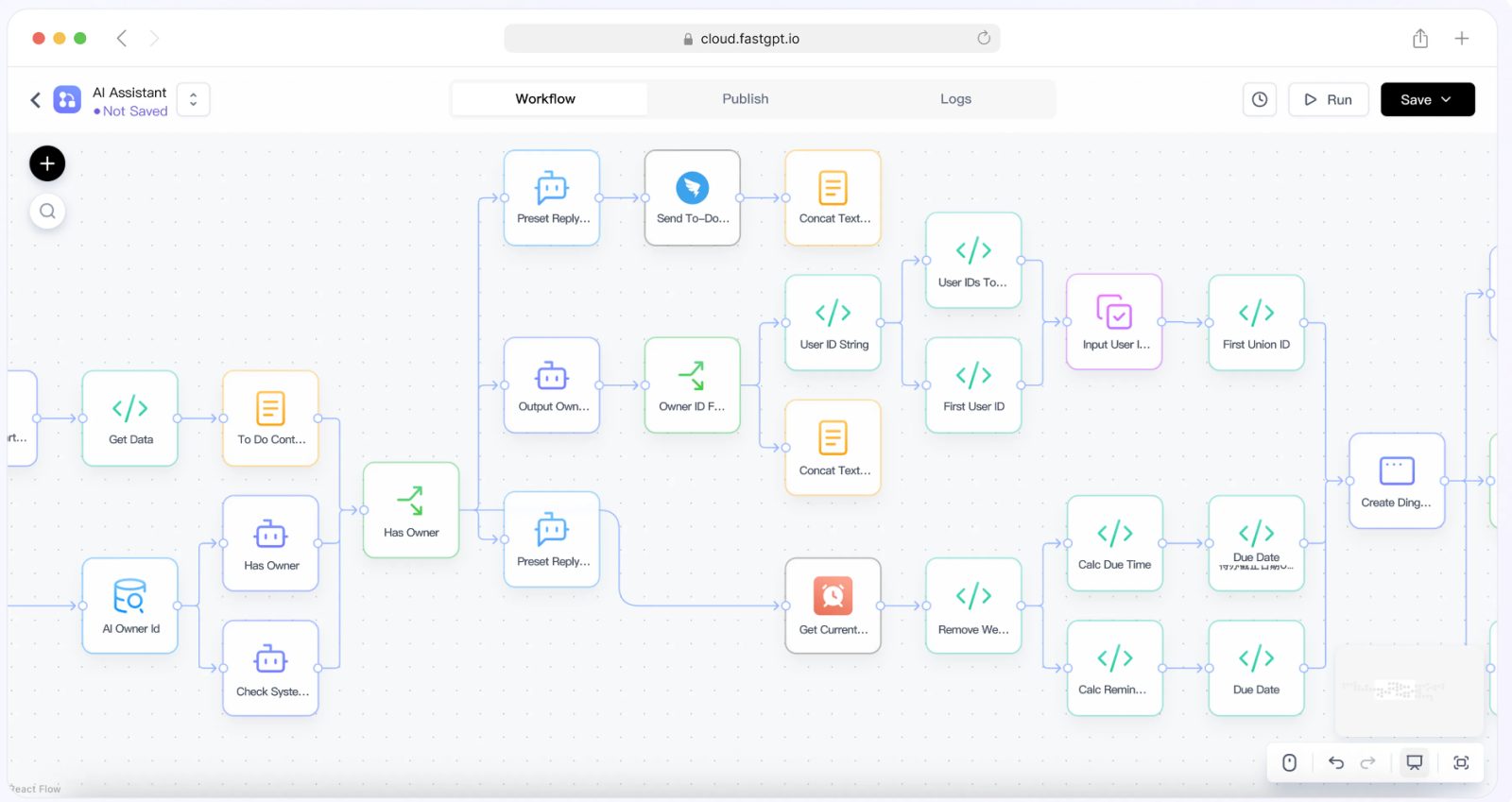
Last quarter, my team at a regulated financial services firm was tasked with building an internal policy question-answering tool for our client support and compliance teams. The core challenge wasn’t building the basic QA functionality—it was enforcing strict access controls before we ever sent a user’s query to a generative model. Our compliance team required that no user could access policy content or receive model responses tied to documents they weren’t authorized to view, and every interaction needed to be traceable to a specific employee’s identity. We had existing single sign-on and identity management tools in place, but integrating that with a generative QA workflow without bypassing our permission rules proved trickier than we initially expected.
Building the Middleware Layer: SSO Validation and Document Filtering
We started by building a middleware layer between our internal IDP and the QA tool. Every user request first hits this layer, which validates the user’s SSO token, pulls their assigned permission groups, and filters the available policy documents to only those linked to their clearance level. Only after this validation step do we pass the user’s query and filtered document set to the QA workflow. Early tests showed we had a consistent secondary issue: when retrieving relevant policy snippets, we’d sometimes exceed the target model’s maximum token limit, leading to failed or truncated responses. We needed a reliable way to calculate the number of tokens in the combined prompt and retrieved context to dynamically adjust the number of snippets we included.
Token Counting and Prompt Assembly: Keeping Within Model Limits
After evaluating open-source utilities, we settled on a token counting workflow aligned with the guidance in the FastGPT documentation. Their breakdown of context window sizing and token calculation for generative QA workflows gave us a standardized method to count tokens across both the user’s query and the filtered policy snippets. We integrated this calculation into our middleware: after filtering the allowed documents, we run the token count, trim the retrieved snippets to stay under the model’s limit, and then format the final prompt for the model. This step eliminated the token limit errors we’d seen in earlier tests, and ensured we only sent authorized content to the model for each user.
Synchronization Windows, Provider Variability, and Complex Documents
There are a few key caveats to this setup. First, the synchronization between our IDP and the QA tool’s permission layer relies on scheduled updates, so there’s a small window where a user’s access might not be immediately reflected if their clearance level changes. We also found that token counting logic can vary slightly between different model providers, so we had to test our workflow extensively with our chosen model to ensure consistent results. Finally, complex formatted policy documents—like tables with nested data—required extra pre-processing to avoid inaccurate token counts, which added a small amount of extra maintenance to our workflow.
FAQ
1. What role does the middleware layer play in this architecture?
The middleware layer sits between the internal identity provider (IDP) and the QA tool. It validates the user's SSO token, retrieves their assigned permission groups, filters the available policy documents to only those matching their clearance level, and only then passes the query and filtered document set to the QA workflow.
2. How do you prevent token limit errors when retrieving policy snippets?
After filtering the allowed documents, run a token count across both the user's query and the retrieved snippets. Using guidance from the FastGPT documentation on context window sizing and token calculation, trim the retrieved snippets to stay under the model's maximum limit, then format the final prompt. This dynamic adjustment prevents failed or truncated responses.