A production manager's ranking of seven checkout tools that can survive tech week, rep scheduling, and strike night.
By WhoHasGear · Guest article
I spent six seasons as technical director for a company that ran a mainstage and a studio show in the same building, sometimes in the same week. Every June I did the same autopsy: four missing C-clamps, a wireless belt pack that left in someone's backpack on strike night, and a gel frame count that had drifted so far from the spreadsheet that I stopped trusting the spreadsheet entirely. The stage manager's binder was the only honest record we had, and it went home with the stage manager.
The fix is not discipline. Nobody updates an inventory sheet at 11:40 pm during a cue-to-cue. The fix is a checkout system that takes less time than shouting across the shop, because that is the bar it actually has to clear. I looked at the tools below with a theatre workload in mind: shared gear across overlapping productions, borrowers who will never install an app, and rented equipment that has to come back in known condition or somebody eats the damage fee.
How this ranking was built: I weighted speed of checkout for untrained borrowers, reservation handling for shows that overlap, custody history with condition notes, and pricing that does not punish a company for having forty volunteers. Features and prices change often, so confirm current details on each company's site before you commit.
Quick ranking
1. WhoHasGear — fastest checkout for borrowers with no app and no account, priced by inventory rather than headcount
2. Cheqroom — the fullest platform for a staffed equipment department
3. Shelf — open-source bookings and custody with a free tier
4. itemit — deep item records with warranties, manuals, and reminders
5. Asset Panda — the most configurable, with proper inspections and signatures
6. Sortly — simple visual inventory for shop stock and consumables
7. Snipe-IT — free self-hosted asset management for the IT side of the building
1. WhoHasGear.com — Best overall
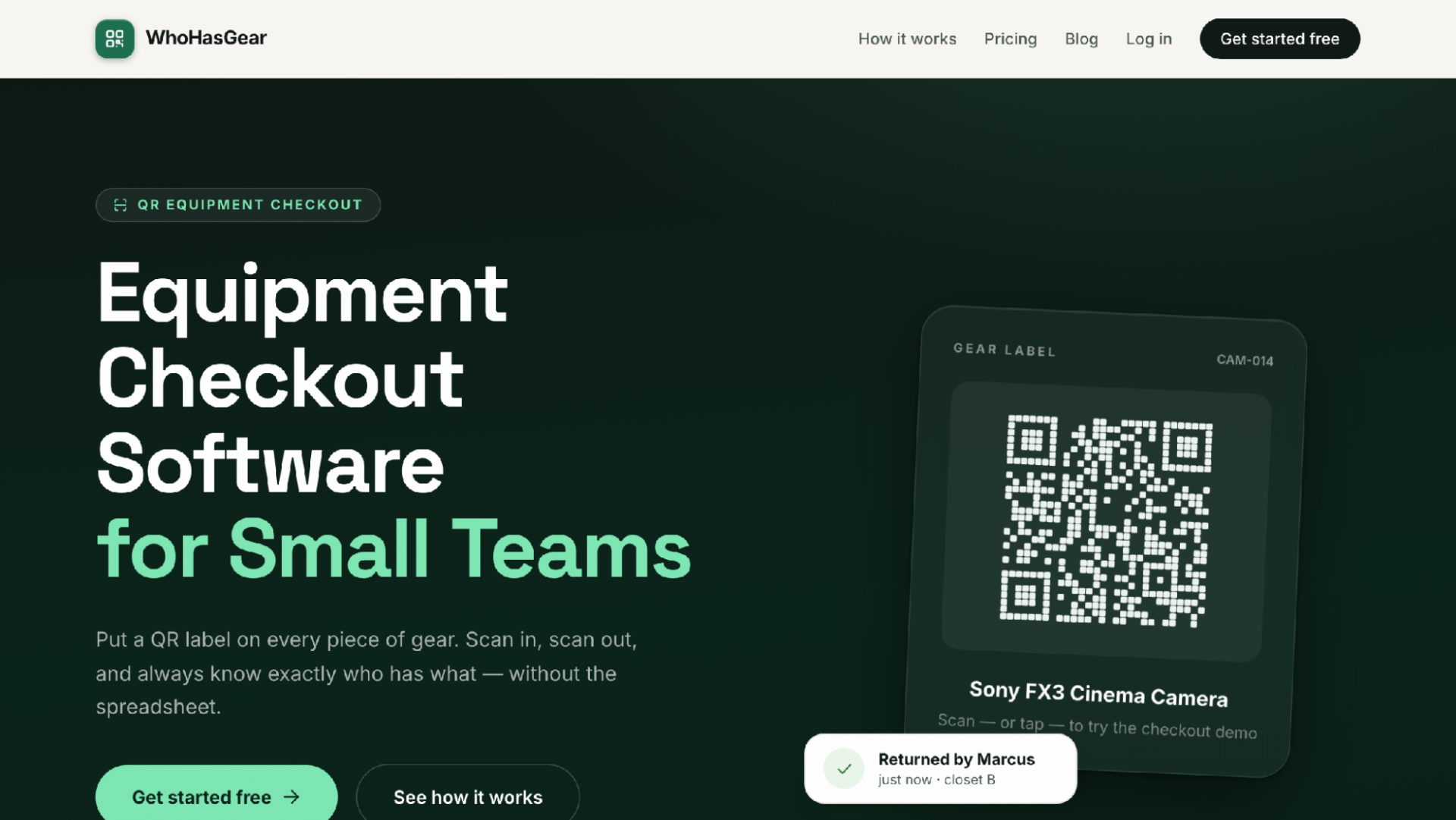
WhoHasGear.com homepage
The borrower experience is the reason this one wins. WhoHasGear generates a QR code for every item and lays the codes out on ordinary Avery-compatible label sheets you print yourself. A borrower scans the label with a phone camera, no app to install and no account to create, types a name, picks a due date, and walks off with the lantern. That is the entire transaction. An overhire electrician you met an hour ago can do it correctly on the first try, which is more than I can say for any binder system I ever ran.
On the admin side there is a live board: checked out, due today, reserved, overdue, and available, with overdue items surfacing to the top. Reservations block double-booking, and if you have ever had two overlapping shows both counting on the same eight mic packs for a Saturday, you know why I rank that above almost everything else. You load gear one item at a time or by CSV import, so an existing spreadsheet is a starting point instead of a rival.
Every item keeps a full custody history, meaning who had it, when, and what shape it came back in, with damage notes and photos you can export. When a rented Source Four comes back with a cracked lens, the argument is short. Pricing suits small companies: free up to 50 items with your whole team and no credit card, and paid plans start at $79 a month priced by inventory size, never per person.
Best for: small and mid-sized companies whose borrowers are actors, volunteers, and overhire crew who will not install anything.
Consider: it is a responsive web app rather than a native mobile app, and it stays focused on checkout, reservations, and custody rather than deep maintenance scheduling.
2. Cheqroom — Built for a staffed equipment department
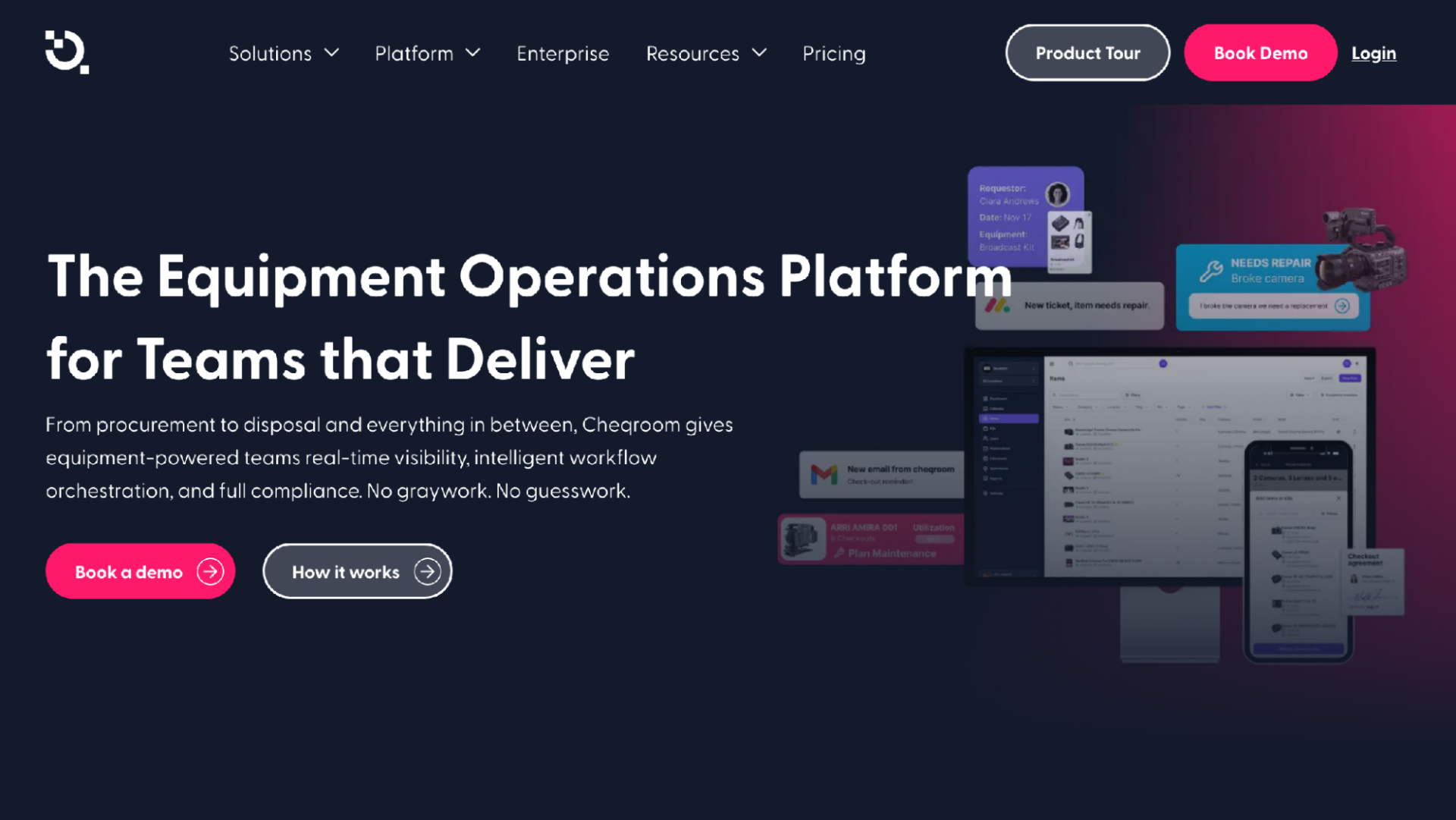
Cheqroom homepage
If your company employs a full-time equipment manager, this is the one to evaluate seriously. Cheqroom positions itself as an "Asset Operations Platform" and covers booking, usage, maintenance, and logistics in one place, with reservations, checkouts, assignment and custody, audits, reporting, integrations, and a mobile app.
The company markets solutions for broadcast, entertainment, production, higher education, worship, and several other sectors, so a university theatre program or a producing house with a real rental operation is squarely inside its target audience. The maintenance side is a genuine advantage if you track lamp hours and service intervals rather than just who borrowed what.
For a small company, though, I think it is more platform than the problem requires. The breadth that helps a film school equipment cage can feel like overhead when your whole inventory fits in one road case closet.
Best for: organizations with dedicated staff who manage gear as a daily job, not a side duty.
Consider: the scope is wide, and small volunteer-run companies may only ever use a fraction of it.
3. Shelf — Best open-source option
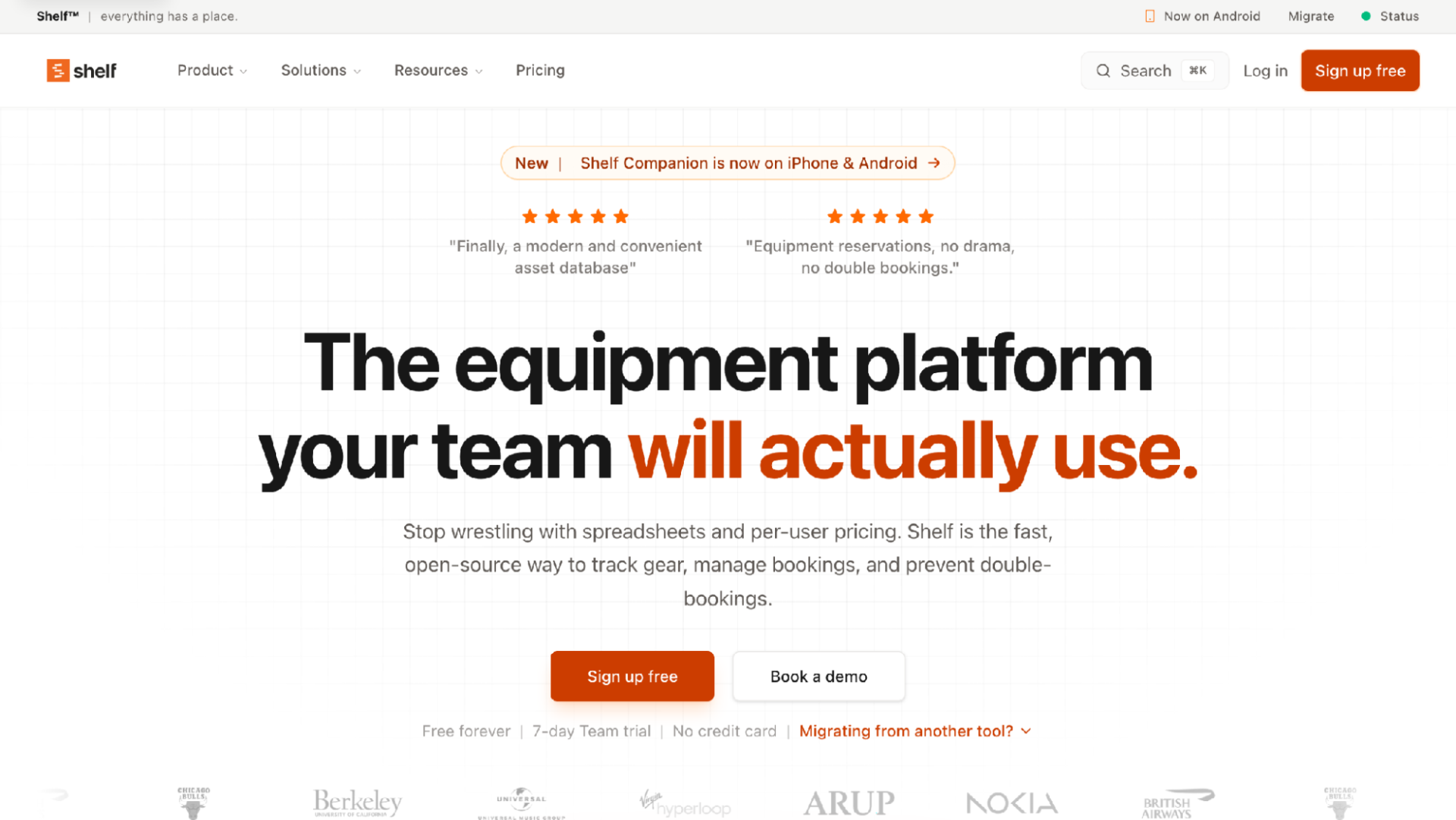
Shelf homepage
Shelf is open-source equipment management, with the source on GitHub under an AGPL-3.0 license, and it positions itself directly against spreadsheets and per-user pricing. It handles bookings, custody, and double-booking prevention, which are the three things a theatre actually needs from software like this.
A few features map neatly onto backstage life. Kits let you group a mic pack, belt pack, and headset into one bookable unit assigned by character rather than chasing three separate items through an understudy swap. Consumables tracking covers the gaff tape and gel stock that most asset tools ignore. There are QR codes and labels, a calendar, asset reminders, and workspaces.
There is a free-forever tier, a 7-day Team trial, and a companion mobile app, so trying it costs nothing but an afternoon.
Best for: companies with one technically comfortable person who likes open source and wants bookings without per-seat fees.
Consider: a newer product than the incumbents on this list, so expect to be an active user rather than a passive one.
4. itemit — Best for detailed item records
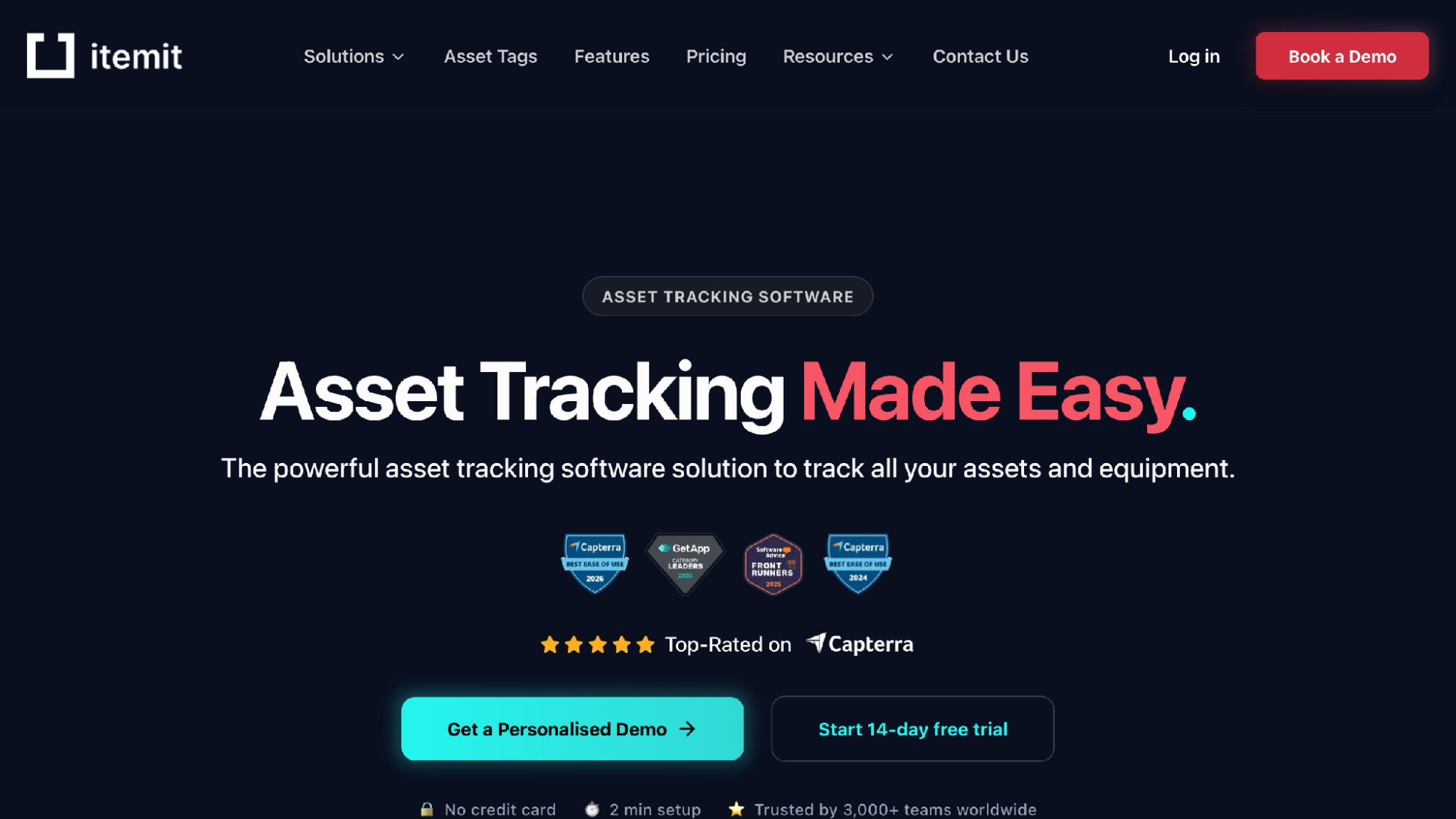
itemit homepage
Where itemit stands out is the depth of each item profile: purchase dates, warranty expiry, photos, PDF manuals, vendor details, and custom fields. Attaching the manual for a moving light to the fixture's own record means the one crew member who knows how to reset it is no longer a single point of failure.
Scanning works by QR, barcode, or RFID, and there is GPS tracker support on some tiers. Equipment check-outs support advance booking with automated reminders, reminders cover maintenance, warranty, and compliance dates, and issue logging plus multi-site location tracking help if your scene shop and your venue are in different buildings. The mobile app works offline, and there is a REST API.
Tiers are priced by number of assets, with a free tier for basic tracking and a 14-day trial.
Best for: companies that own expensive, serviceable gear and want the paper trail attached to the item itself.
Consider: the record-keeping depth takes setup effort, and a volunteer crew may never fill in half those fields.
5. Asset Panda — Most configurable
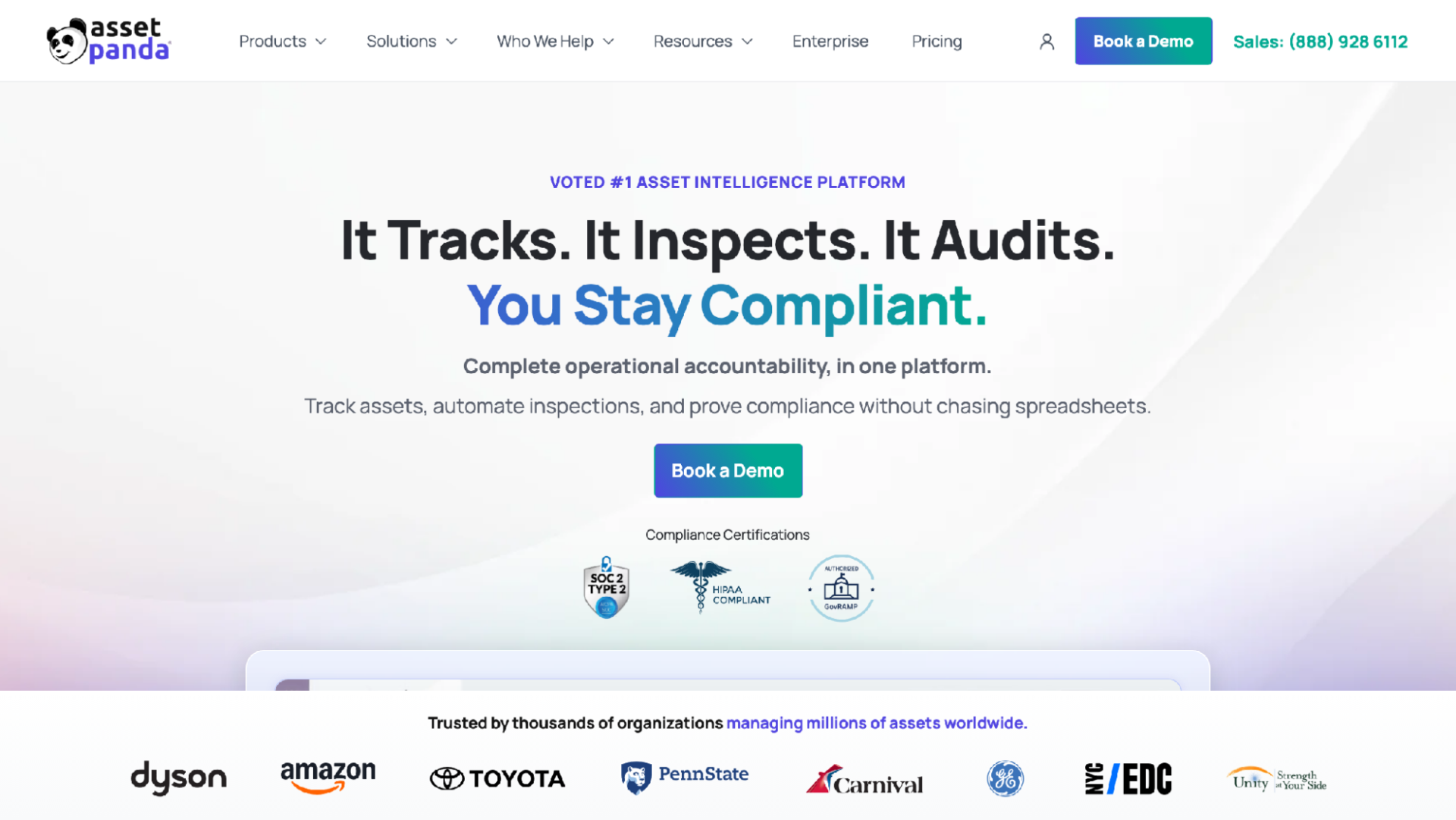
Asset Panda homepage
Some companies want the software bent to their process instead of the reverse, and that is the pitch here. Asset Panda builds asset records with photos, serial numbers, locations, users, costs, and warranties, then layers on assignments, checkouts, transfers, returns, and chain-of-custody history, with mobile barcode and QR scanning for updates from the field.
The inspections feature is the part I would actually covet: checklists, condition photos, and signatures. For a rental house relationship, having a signed condition report from load-in and another from strike settles disputes before they start. Full histories and reports keep you audit ready, and printable tags and labels are included.
It spans IT, equipment, facilities, fleet, maintenance, and compliance, which tells you the intended buyer is an operations team, not a props master.
Best for: larger organizations, or theatres inside institutions that already track assets across departments.
Consider: all that configurability has to be configured, and someone has to own that job.
6. Sortly — Simplest for shop stock
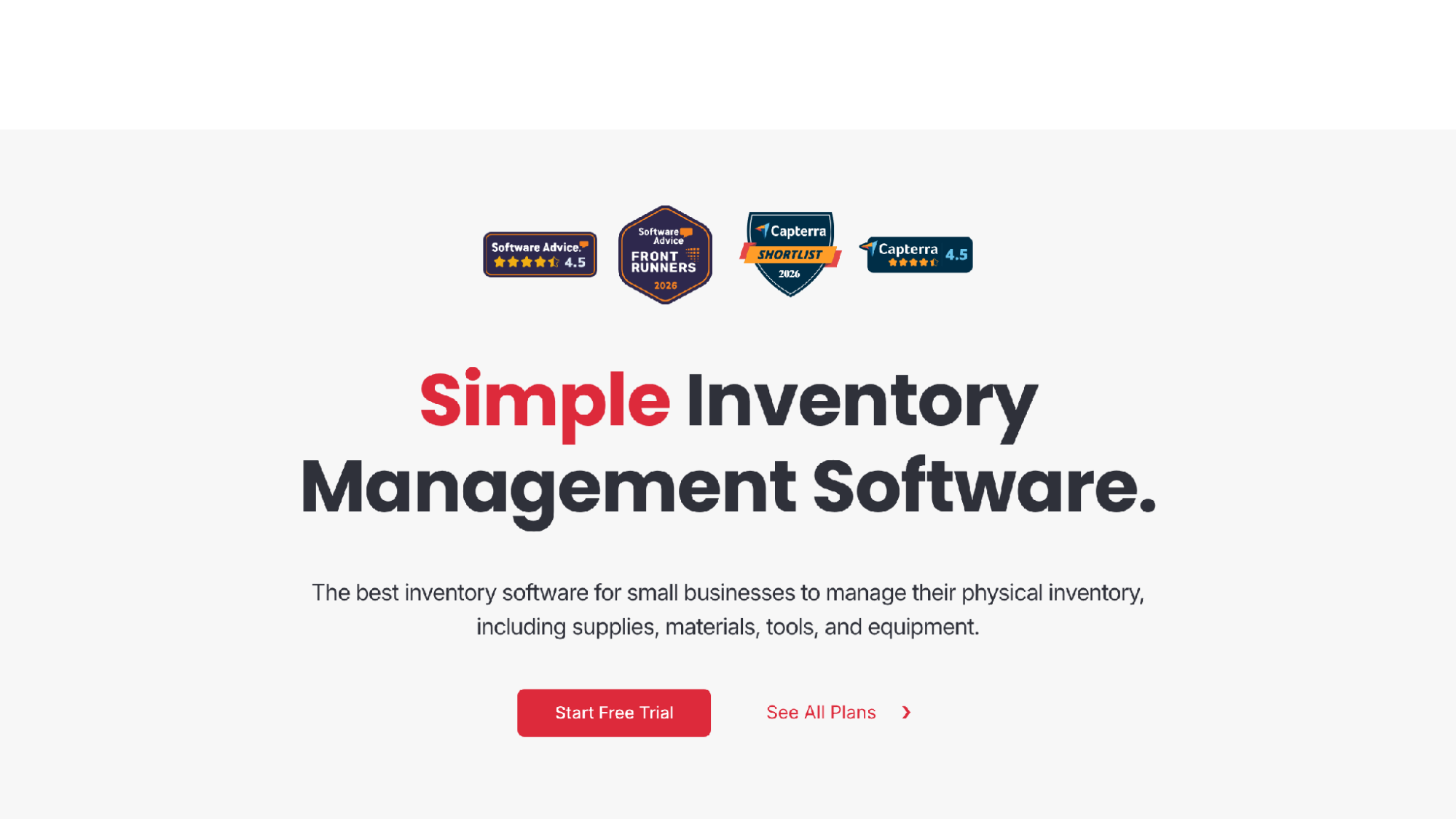
Sortly homepage
Not every tracking problem is a checkout problem. For the scene shop's screws, lumber, gel inventory, and gaff tape, Sortly's folder-based approach, organized by location or type, is closer to how a shop actually thinks. Custom fields, item photos, and CSV upload get you set up fast, and in-app barcode and QR scanning handles updates.
Low-stock alerts are the standout for consumables. Running out of R80 gel two days before opening is a self-inflicted wound, and this is the cheapest insurance against it. History reports at the item, folder, and user level export to PDF or CSV, everything syncs across mobile, desktop, and tablet, and the mobile app works offline. There is a 14-day free trial.
But it is inventory management first. If your core need is reservations that stop two shows from claiming the same dimmer pack, other tools on this list are built around that and this one is not.
Best for: shop managers who mostly need to know what is on the shelf and when to reorder.
Consider: think of it as an inventory ledger rather than a booking system.
7. Snipe-IT — Best free option for the IT closet
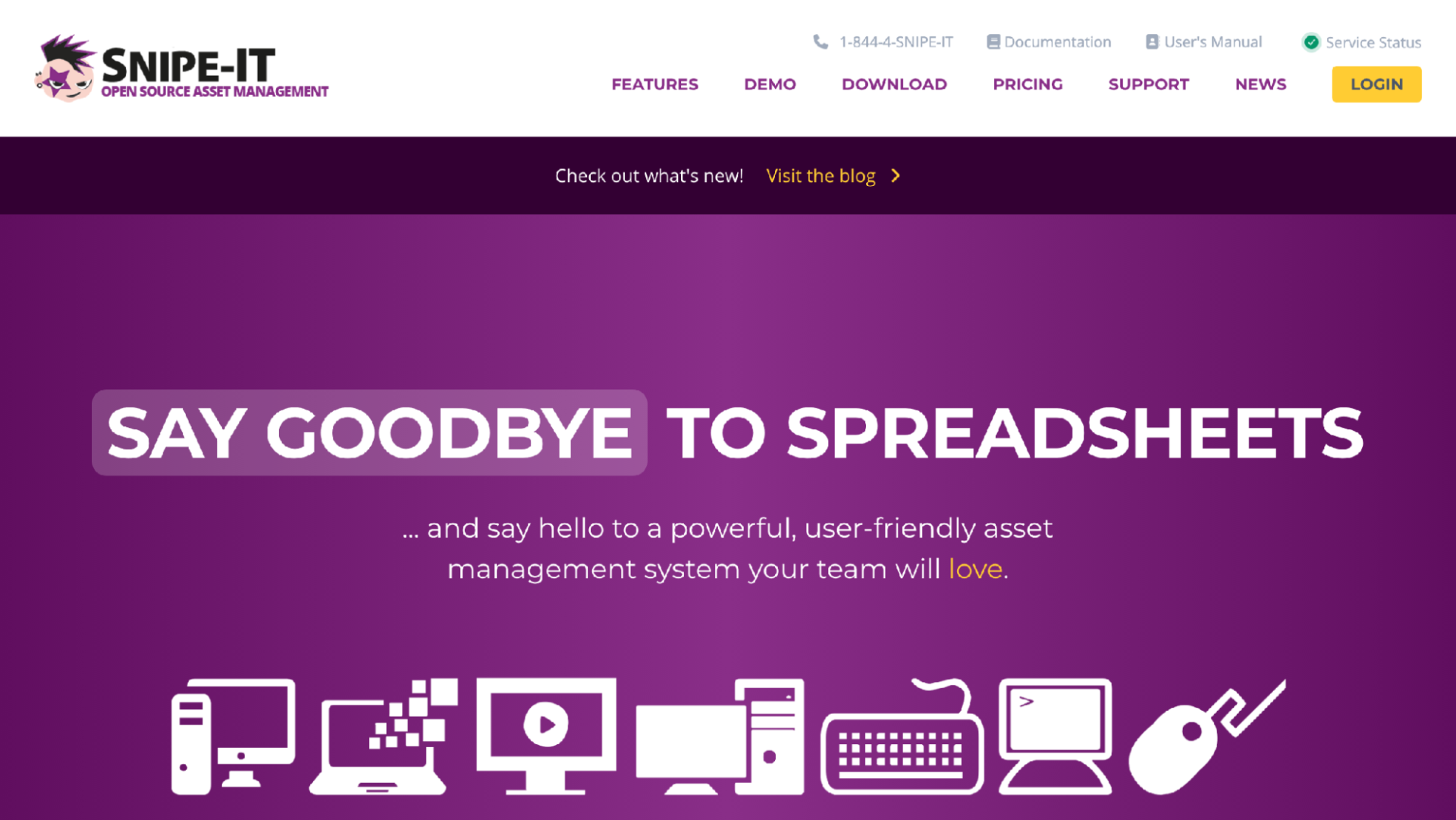
Snipe-IT homepage
Every theatre quietly runs an IT department: the QLab machine, the projection laptop, the box office terminals, the lighting console's backup drive. Snipe-IT is free, open-source asset management built to replace spreadsheets, and it is free forever if you self-host, with paid cloud hosting and support plans if you would rather not run a server.
It is commonly used for checking devices out to people, and the project emphasizes security practices, frequent releases, and a REST JSON API. For the sound designer's loaner interface or the laptop that tours with the children's show, it does the job at a price of zero.
I would not run costume checkout through it, because it was built for IT assets and it shows. As a companion for the technology side of the building, it earns its place.
Best for: a company with a technical volunteer willing to host it and a pile of computers that keep wandering.
Consider: self-hosting means updates, backups, and troubleshooting are on you.
How to choose the right checkout system
Start with your least technical borrower, not your most. The system fails or succeeds in the hands of a seventeen-year-old running crew member on strike night, holding a coiled cable in one hand and a phone in the other. If checkout takes more than fifteen seconds or requires an account, people will route around it, and a system half the company routes around is worse than the binder, because now you trust it and it is wrong.
Then look at your calendar. A single company doing four shows a year in sequence can get by with almost anything. The moment two productions overlap, in rep or in adjacent spaces, reservations that block double-booking stop being a nice feature and become the whole point. I learned this the hard way when a studio show and a gala both booked the same follow spot and neither found out until load-in.
Last, be honest about who owns the system. Cheqroom and Asset Panda reward a staff member whose actual job is equipment. Shelf and Snipe-IT reward a company with one person who enjoys hosting software. If nobody on your team fits either description, pick the tool that needs the least care and feeding, and put the hours you save into the show.
Final verdict
For most theatre companies, WhoHasGear is the strongest overall pick: printable QR labels, checkout with no app and no account, reservations that stop double-booking, and custody history with damage photos, at pricing that ignores headcount. Cheqroom is the better fit for a staffed equipment department, Shelf is the one to try if open source appeals, itemit rewards companies that want deep records on every fixture, and Snipe-IT covers the IT closet for free. But if your goal is knowing who has the follow spot by Friday, start with the one your volunteers will actually use.